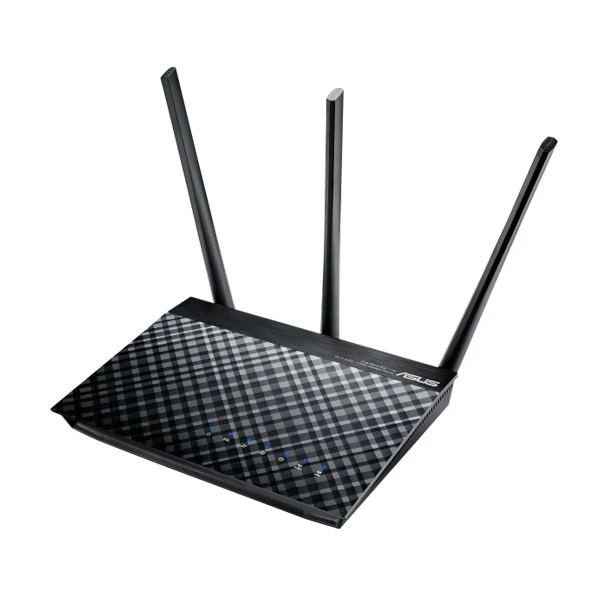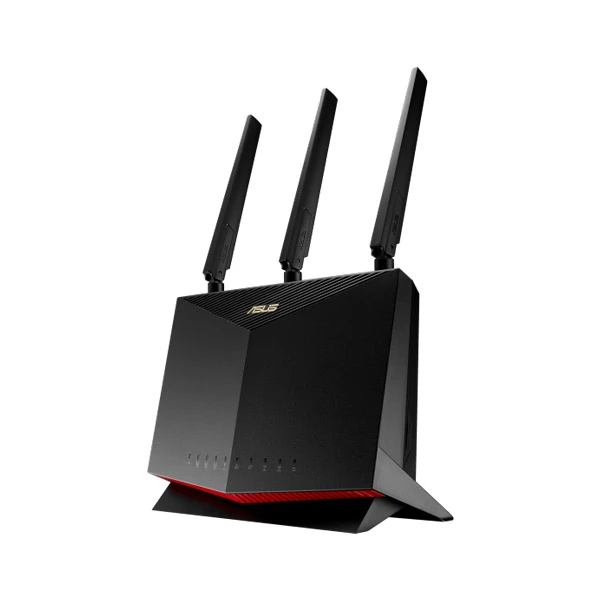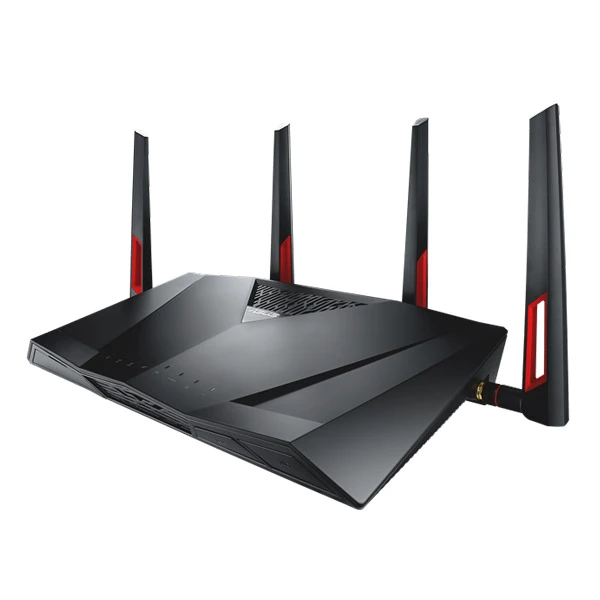

ASUS DSL-N16 300Mbps Wi-Fi VDSL/ADSL Modem Router
The ASUS DSL-N16 ADSL/VDSL wireless modem router is stylish, truly multi-functional, and has reliable performance. It can connect to the internet using either the Ethernet or DSL WAN (Wide Area Network) ports, allowing customers to use it as a either a modem router or a standalone wireless router. Compatible with ADSL2/2+, ADSL, Fiber, vdsl2 and cable services.
The easy-to-use ASUSWRT graphical user interface unlocks the power of ASUS DSL-N16 giving robust control to optimize your network for you. 30-second setup and simple traffic management means even network newbies can enjoy its sophisticated features, while power users will love its IPv6 support, multiple wireless SSIDs and encrypted VPN access.
ASUS DSL-N16 Feature:
Ethernet WAN allows to use as an DSL modem router or stand-alone wireless router
Compatible with VDSL2, ADSL2/2+, ADSL, fiber and cable services for complete future-proofing
Fast Ethernet ports for the reliable internet performance
VDSL/ADSL WAN multi service for IPTV support
PPTP VPN server and PPTP/L2TP VPN client support
Four independent SSIDs for flexible and secure Wi-Fi network configuration
ASUS DSL-N16 Spec:
| Model Name | ASUS DSL-N16 |
| Network Standard | IEEE 802.11b IEEE 802.11g WiFi 4 (802.11n) IEEE 802.11e IEEE 802.11i IPv4 IPv6 |
| Product Segment | N300 complete networking : 300 Mbps |
| Wifi Data Rate | 802.11b : up to 11 Mbps 802.11g : up to 54 Mbps WiFi 4 (802.11n) : up to 300 Mbps |
| xDSL Data Rate | VDSL2/ADSL2+/ADSL2/ADSL multimode Support Annex A/B/I/J/L/M Support all VDSL2 profiles -8a, 8b, 8c, 8d, 12a, 12b, 17a and 30a VDSL2 interface compliance with ITU-T G.993.2 ITU-T G.992.1 (G.dmt), Annex A, and B Compliant ITU-T G.992.2 (G.lite), Annex A, and B Compliant ANSI T1.413 Compliant ITU-T G.992.3 (ADSL2) Compliant, Annex A, B, L, and M ITU-T G.992.5 (ADSL2+) Compliant, Supporting Annex A, B, and M ITU-T G.993.2 Compliant, Annex A, B ITU-T G.993.5 (Vectoring) ITU-T G.998.4 (G.inp) Improved impulse noise protection ATM and PTM (dual-priority)VDSL2 Upstream: 150Mbps, Downstream: 200Mbps ADSL2+ Upstream: 3.3Mbps, Downstream: 24Mbps ADSL2 Upstream: 3.5Mbps, Downstream: 12Mbps |
| Antenna | External dBi antenna x 2 |
| Operating Frequency | 2.4GHz |
| Ports | 1 x RJ11 for xDSL 4 x RJ45 10/100 BaseT for LAN |
| Package content | DSL-N16 Wireless VDSL/ADSL Modem Router Network cable Phone cable Power adapter Quick start guide |
ASUS DSL-N16 Advantage:
Total flexibility with DSL and Ethernet Internet connections
ASUS DSL-N16 has two ways to connect to the Internet, with a choice of DSL and software Ethernet WAN. You can use ASUS DSL-N16 as a DSL modem Wi-Fi router or a standalone Wi-Fi router according to your needs. And with the ability to switch instantly between connections if one fails (and switch back again when it’s fixed) or combine multiple connections for more bandwidth, it’s perfect for reliable, always-on internet connectivity.
Robust control and optimization with ASUSWRT
With the ASUSWRT Dashboard, setup, monitoring, and control of network applications are all found in one intuitive user interface. As 30-second setup, multi-device detection, and flexible settings that make the most of your network performance, ASUSWRT has been upgraded with special DSL tools that show the signal-to-noise ratio in dB, allowing you to check stability of the DSL connection. The DSL traffic monitor shows the outgoing and incoming traffic on the WAN, wired and 2.4 GHz wireless networks, while DSL Feedback allows you to feedback any comments, suggestions or connection issue directly to a technical support team with DSL logs automatically included.
Do you game a lot, or spend most of your time streaming videos? Whatever your planned use is, the ASUS DSL-N16 has Quality of Service (QoS) features that let you select how much bandwidth is prioritized for virtually any task.
Easy 30-second router setup
Use your tablet, pc, or smartphone to effortlessly set up your ASUS DSL-N16 router in less than 30 seconds and in only 3 easy steps. Simply connect the cables to the router, open a Web browser, and follow the setup wizard to get you to the internet in no time.
VPN server and client for encrypted remote connection
With the virtual private network (VPN) server and VPN client, you can access your home network remotely or surf the internet with encryption, no need for paid VPN services or a dedicated VPN server.
Dedicated Wi-Fi for your visitors
Share your internet connection with your guests without need to share your personal password or network resources. ASUS Guest Network supports up to three separate guest networks, each with its own usage limits and password. Guests can not access your primary network or any other connected devices.
Simple setup, powerful features with real-time traffic and connection quality monitoring
With the user-friendly ASUSWRT Dashboard, you can setup, monitor and control your network from one intuitive interface.