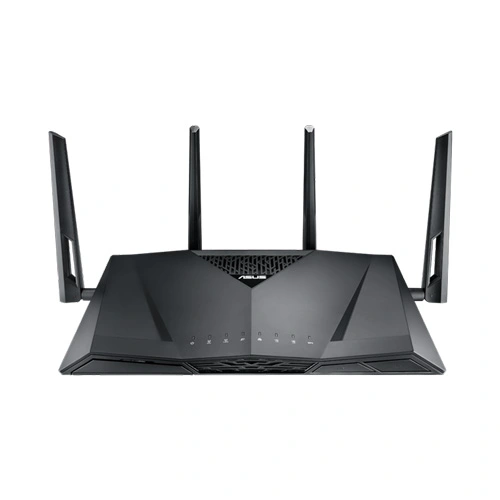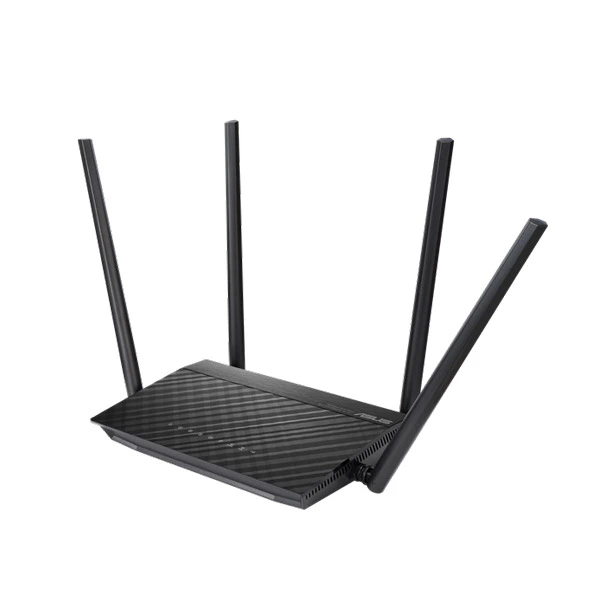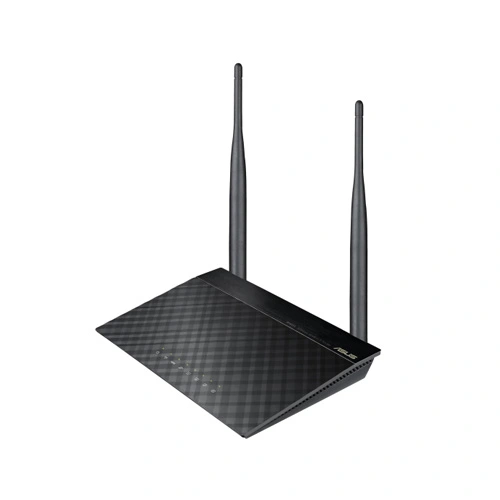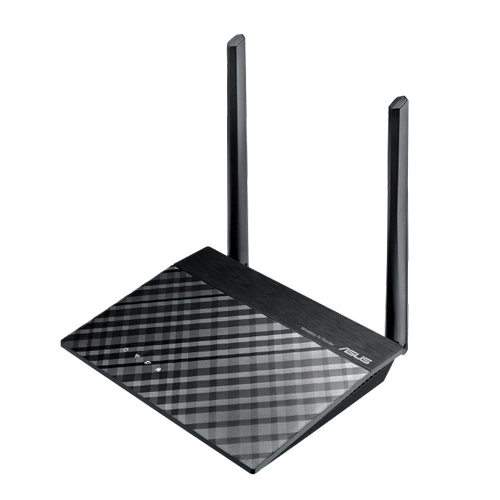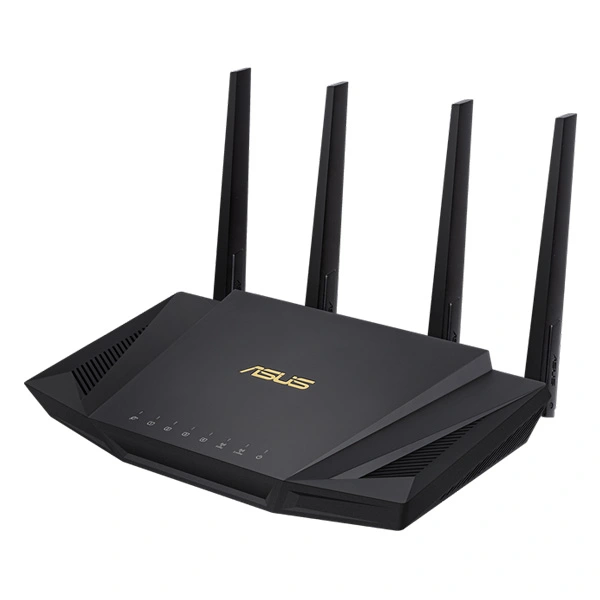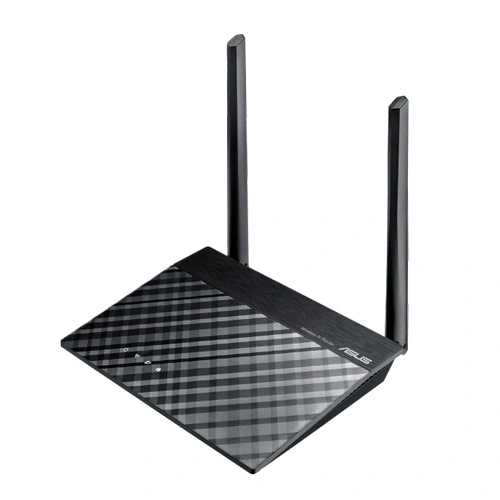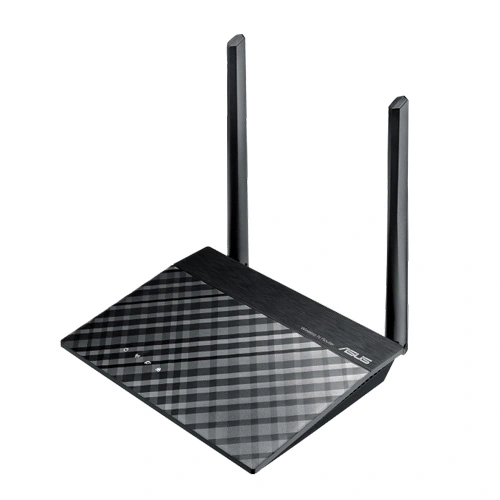
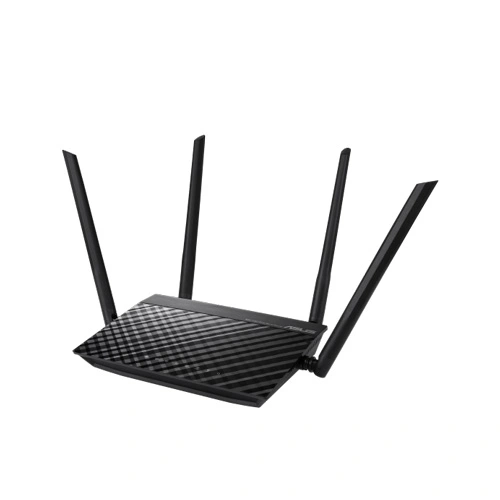
ASUS RT-AC750L AC750 Wi-Fi Router
ASUS RT-AC750L Dual-band Wireless-AC750 router offers you both quick wireless acceleration and great worth to update your home system to the most recent 802.11 ac Wi-Fi technology nowadays. Encounter simultaneous dual-band connection and revel in 300 Mbps swiftness on the 2.4 GHz frequency or more to 433 Mbps in 5 GHz band. Powered by 5th era Wi-Fi (5G Wi-Fi), the 802.11 ac chipset provides faster wifi speeds than N technology.
ASUS RT-AC750L Router Feature:
Concurrent 300 Mbps( 2.4 GHz) and 433 Mbps (5GHz) throughput for high-speed wireless performance.
Enjoy the ASUSWRT dashboard UI for simple setup and manage your router.
Improved coverage and multi-device performance with four external antennas– two each for the 2.4 GHz and 5 GHz bands.
Advanced parental control helps you protect your children from Internet addiction. You can restrict the times that each device can access the internet by applying scheduled time limits.
ASUS Router App makes your connected life easier!
ASUS RT-AC750L Router Spec:
| Model Name | ASUS RT-AC750L |
| Network Standard | IEEE 802.11a IEEE 802.11b IEEE 802.11g WiFi 4 (802.11n) WiFi 5 (802.11ac) IEEE 802.11e IEEE 802.11i IPv4 IPv6 |
| Data Rate | 802.11a : up to 54 Mbps 802.11b : up to 11 Mbps 802.11g : up to 54 Mbps WiFi 4 (802.11n) : up to 300 Mbps WiFi 5 (802.11ac) : up to 433 Mbps |
| Antenna | External antenna x 4 |
| Transmit/Receive | MIMO technology 2.4GHz 2×2 5GHz 2×2 |
| Memory | 16 MB Flash 64 MB RAM |
| Operating Frequency | 2.4G Hz / 5 GHz |
| Ports | RJ45 for 10/100Mbps BaseT for WAN x 1 RJ45 for 10/100Mbps BaseT for LAN x 4 |
| Power Supply | AC Input : 110V~240V(50~60Hz) DC Output : 12 V with max. 0.5 A current |
| Package content | RT-AC750L Wi-Fi router 1 x RJ-45 cable 1 x Power adapter 1 x QSG 1 x Warranty card |
ASUS RT-AC750L Router Advantage:
Robust control and optimization with ASUSWRT
With the ASUSWRT dashboard UI, monitor, setup, and control network applications all in one intuitive area. On top of 30-second setup, multi-device detection, and flexible settings that make the most of your network performance. Dual WAN enables having two connections/ISPs on one router, with load balance and failover mode for added stability and redundancy to make certain uninterrupted internet access. Do you game a lot, or spend much of your time streaming videos? Whatever your planned use is, the ASUS RT-AC750L Router has Quality of Service (QoS) standards that help you select how much bandwidth is prioritized for virtually any task. Additionally, the traffic monitor allows you to check your Web usage in a clear graphical interface.
Control your network anywhere
In your increasingly mobile-enabled life, having control over your network via an app is more important than ever. The new ASUS Router App is built from the ground-up to be both intuitive and robust, allowing you to setup your router, manage network traffic, diagnose connection issues and even update firmware, all with no needing to boot up a PC.
Super-fast AC Wi-Fi with 256QAM ™ Wi-Fi acceleration
Powered by 5th generation Wi-Fi (5G Wi-Fi), the 802.11 ac chipset gives the ASUS RT-AC750L Router faster wireless speeds than N technology. At 2.4 GHz, it reaches 300 Mbps, while on the 5GHz band it blazes to 433 Mbps. The upgraded bandwidth has the higher capacity you need to increase Wi-Fi enjoyment in your home. With notebooks, smartphones, pads, and desktops now all Wi-Fi-reliant, it’s time to upgrade to the next generation to expand you connectivity now and in the future.
Dual-Band Connectivity for Lag-Free Entertainment
Delivering both 2.4 GHz and 5 GHz concurrent bands up to 300Mbps and 443Mbps respectively, the ASUS RT-AC750L Router has a total speed of as high as 733Mbps connectivity to provide speed with stability. Perform simple internet tasks as if Web browsing and file downloading under the 2.4 GHz band, while also simultaneously streaming 3D HD content and other demanding applications smoothly on the 5 GHz band.
Simple 3-step setup
Use your pc, smartphone, or tablet to effortlessly set up your ASUS router in less than 30 seconds ¹ and in only 3 easy steps. Simply connect the cables to the router, open a Web browser, and follow the setup wizard to get you to the internet in no time.