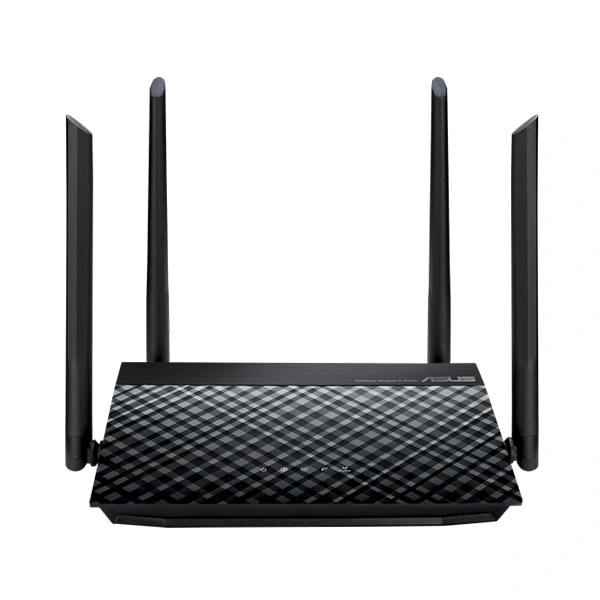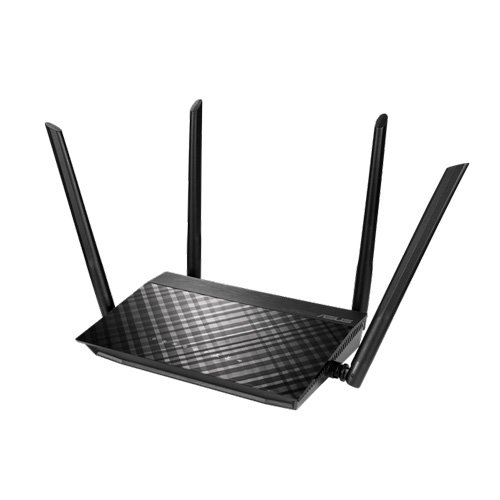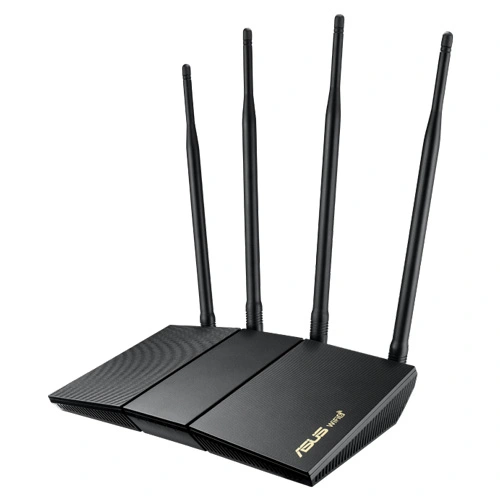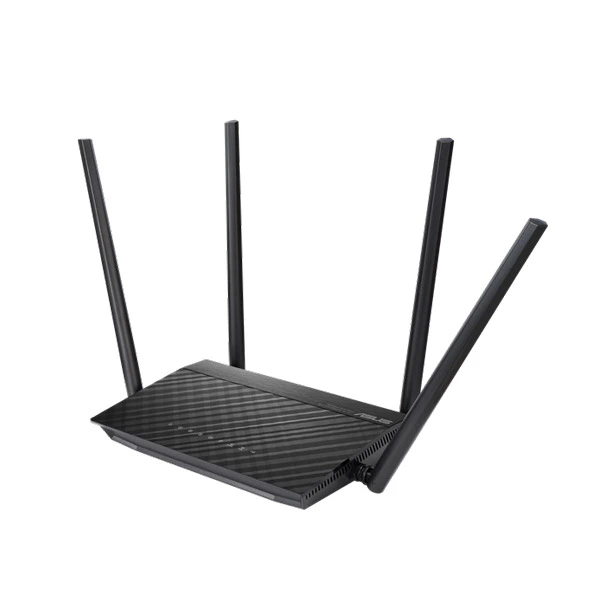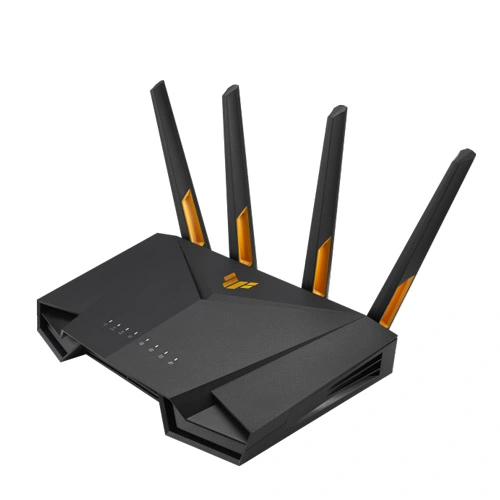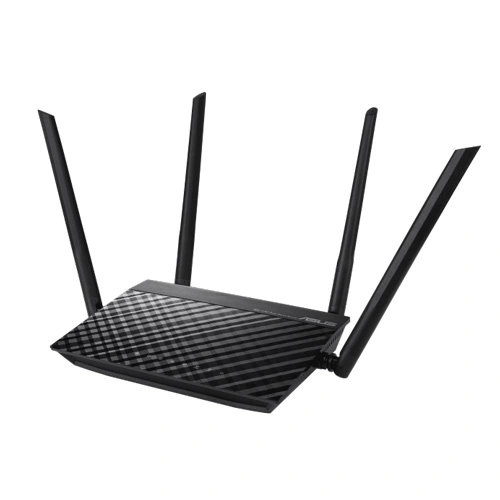
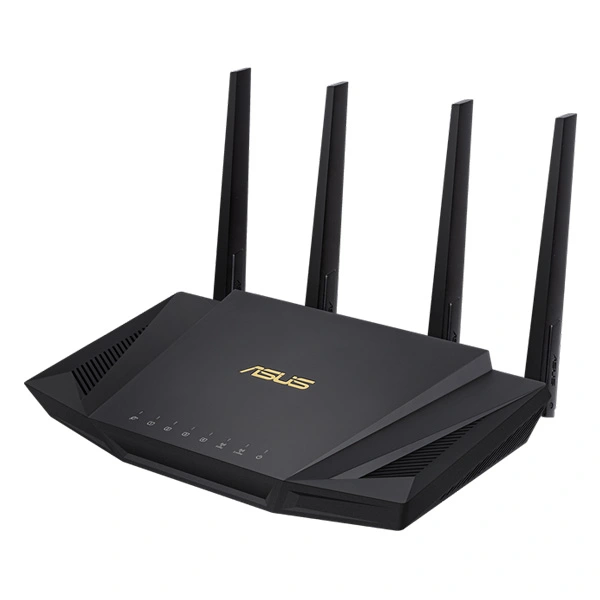
ASUS RT-AX58U AX3000 Dual Band WiFi 6 Router
The ASUS RT-AX58U (RT-AX3000) is somewhere in the middle of the ‘budget’ WiFi 6 router series from ASUS, immediately after the ‘flagship’ RT-AX88U, but better equipped than the slightly less powerful RT-AX56U and, considering that most of the time, it’s priced somewhere near the RT-AC86U, I think it’s a nice manner to ease your way in this new WiFi standard.
ASUS RT-AX58U Router Feature:
Next-Gen WiFi Standard – Supporting the current WiFi standard 802.11 AX (WiFi 6) and 160MHz bandwidth for better capacity and efficiency.
Ultra-fast WiFi Speed— ASUS RT-AX58U supports 160MHz bandwidth and 1024-QAM for dramatically faster wireless connections. With a total networking speed of about 3000Mbps– 574 Mbps on the 2.4 GHz band and 2402 Mbps on the 5GHz band.
Increase Capacity and Efficiency-– Supporting not only MU-MIMO but also OFDMA technique to efficiently allocate channels, communicate with numerous devices simultaneously
Commercial-grade Security – lifetime free AiProtection, powered by Trend Micro ™, blocks internet security threats for all your linked smart devices.
Better Partner with Mesh System – Compatible with ASUS AiMesh Wi Fi system for seamless whole-home coverage.

ASUS RT-AX58U Router Spec:
| Model Name | ASUS RT-AX58U |
| Network Standard | IEEE 802.11a IEEE 802.11b IEEE 802.11g WiFi 4 (802.11n) WiFi 5 (802.11ac) WiFi 6 (802.11ax) IPv4 IPv6 |
| Product Segment | AX3000 ultimate AX performance : 2402 Mbps+ 574 Mbps |
| Data Rate | 802.11a : up to 54 Mbps 802.11b : up to 11 Mbps 802.11g : up to 54 Mbps WiFi 4 (802.11n) : up to 300 Mbps WiFi 5 (802.11ac) (1024QAM) : up to 1733 Mbps WiFi 6 (802.11ax) (2.4GHz) : up to 574 Mbps WiFi 6 (802.11ax) (5GHz) : up to 2402 Mbps |
| Antenna | External antenna x 4 |
| Transmit/Receive | 2.4GHz 2×2 5GHz 2×2 |
| Processor | 1.5 GHz tri-core processor |
| Memory | 256 MB Flash 512 MB RAM 256 MB Flash 512 MB RAM |
| Operating Frequency | 2.4G Hz / 5 GHz |
| Ports | RJ45 for Gigabits BaseT for WAN x 1, RJ45 for Gigabits BaseT for LAN x 4 USB 3.2 Gen 1 x 1 |
| Power Supply | AC Input : 110V~240V(50~60Hz) DC Output : 19 V with max. 1.75 A current DC Output : 12 V with max. 2 A current |
| Package content | RT-AX58U WiFi router RJ-45 cable Power adapter Quick Start Guide Warranty card |
ASUS RT-AX58U Router Performance
From the client to the server, at 5 feet, I measured an average of 820 Mbps and moving the client at about 15 feet, I got around 711 Mbps; at 30 feet, the speed decreased to 330 Mbps, which confirms that the high throughput can be achieved only if the router is close to the client device. From the server to the client, I measured an average of 373 Mbps at 5 feet and an average of 339 Mbps at approx 15 feet; at 30 feet, the speed decreased to 211 Mbps. Afterwards, I switched to the 160MHz channel bandwidth (kept everything else unchanged) and again tried to run the same test, but, from the client to the server, at 5 feet, I noticed that the signal was only two bars and the throughput would fluctuate and, despite having a pretty much sustained speed at 950Mbps (the maximum it can be achieved in my current setup), after a few second (10-20), it would fall to sub-100 and then back up (the average was at about 665 Mbps)– I did try to change the channel, but the behavior remained the same.
Things got a lot better at 15 feet, where the average was at 906 Mbps and I didn’t see any of those fluctuations, which means that the antenna gets overwhelmed at less than 10-15 feet; at 30 feet, I managed to measure an average of 258 Mbps which again looks strange. One of the first devices that I tested on the 160MHz channel bandwidth was the throughput and the wrt3200acm was a lot more stable and it’s clear that the Asus RT-AX58U needs more firmware updates to get to a stable point on the 160MHz. From the server to the client, I saw a middle of 424 Mbps at 5 feet and an average of 278 Mbps at 30 feet (a slight advantage than on the 80MHz).
ASUS RT-AX58U Router Advantage:
Get Your Home Ready for WiFi 6 (802.11 ax).
The growing number of connected personal and IoT devices has led to an overall increase in network density that is pushing the limits of the current Wi-Fi standard. The current 802.11 ax standard provides future-proof technologies, higher network efficiency, faster Wi-Fi speeds, greater coverage and improved battery life for connected devices, offering a significantly better networking experience for users.
Next-Gen WiFi Speed.
ASUS RT-AX58U Router is a 2×2 dual-band Wi-Fi router that offers 160MHz bandwidth and 1024-QAM for dramatically faster wireless connections. With a total networking speed of about 3000Mbps– 574Mbps on the 2.4 GHz band and 2402Mbps on the 5GHz band– ASUS RT-AX58U Router is 2.5 X faster than 802.11 ac 2×2 dual-band routers.
Built for Multi-device Households.
With a revolutionary combination of OFDMA and MU-MIMO technology, 802.11 ax technology provides as high as 4X greater network capacity and efficiency in traffic-dense environments. Previous-generation 802.11 ac Wi-Fi can only manage one device at once on each network channel, which is an inefficient use of available bandwidth. OFDMA support in the 802.11 ax Wi-Fi standard divides each channel into small sub-channels, allowing signals from multiple devices * to be bundled together and transmitted simultaneously, reducing latency for a smoother, more responsive Wi-Fi experience.
Better Battery Life for Your Devices.
Target Wake Time (TWT) allows ASUS RT-AX58U Router to schedule designated intervals for devices to transmit data. This allows them to sleep when there is no need to wait for a router signal, reducing power consumption by up to 7X for significantly improved battery life.
Wi-Fi that Goes Farther.
With the latest 802.11 ax WiFi standard featuring OFDMA technology, ASUS RT-AX58U Router offers increased Wi-Fi signal range and better coverage by dividing each channel into smaller sub-channels. These sub-channels have a smaller bandwidth that enables th