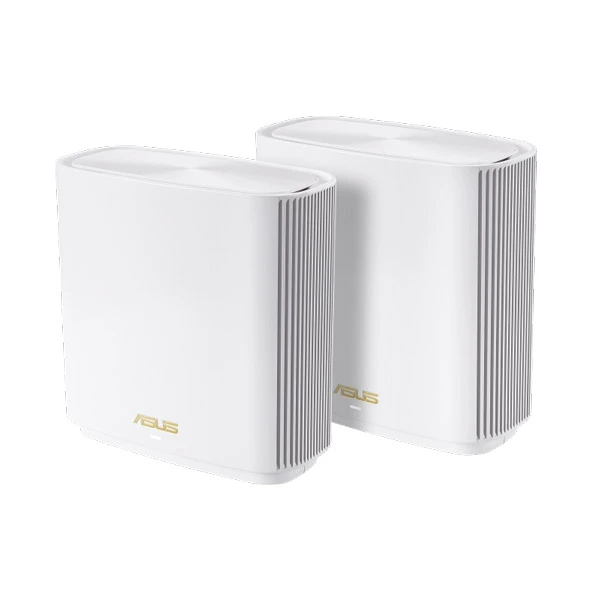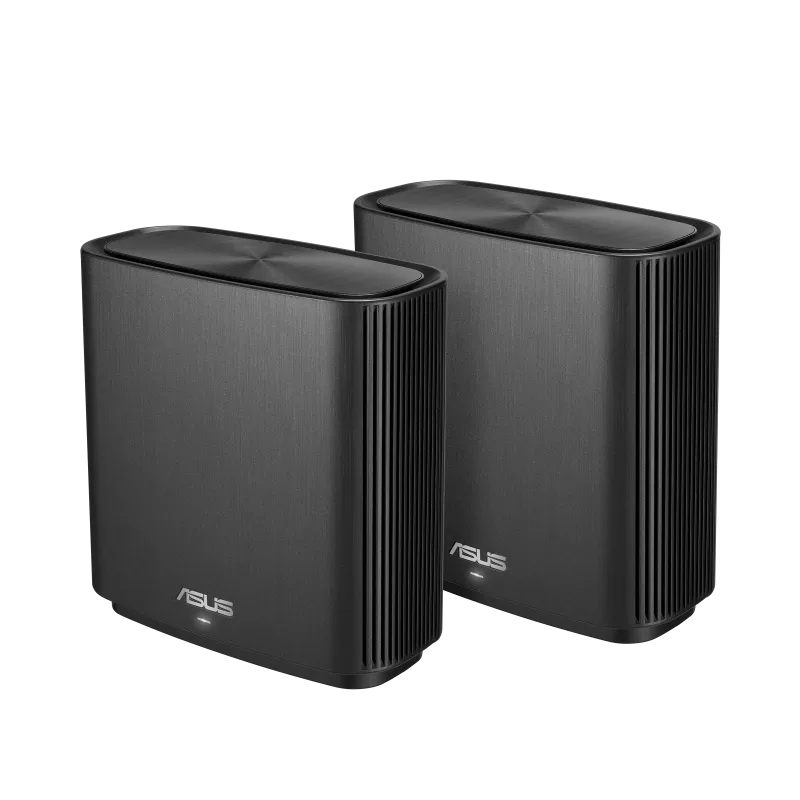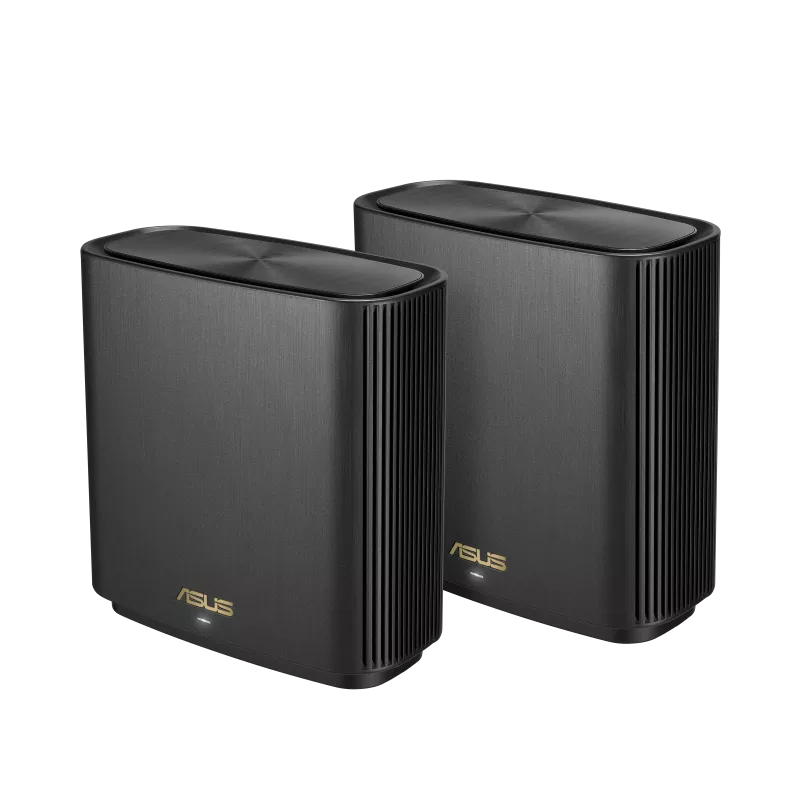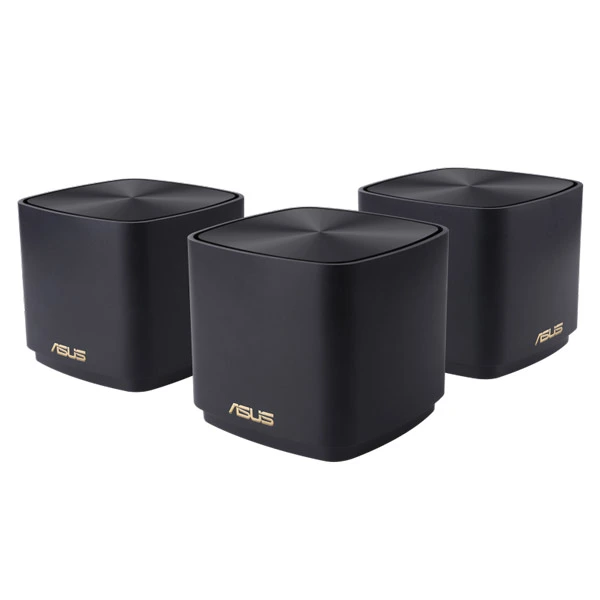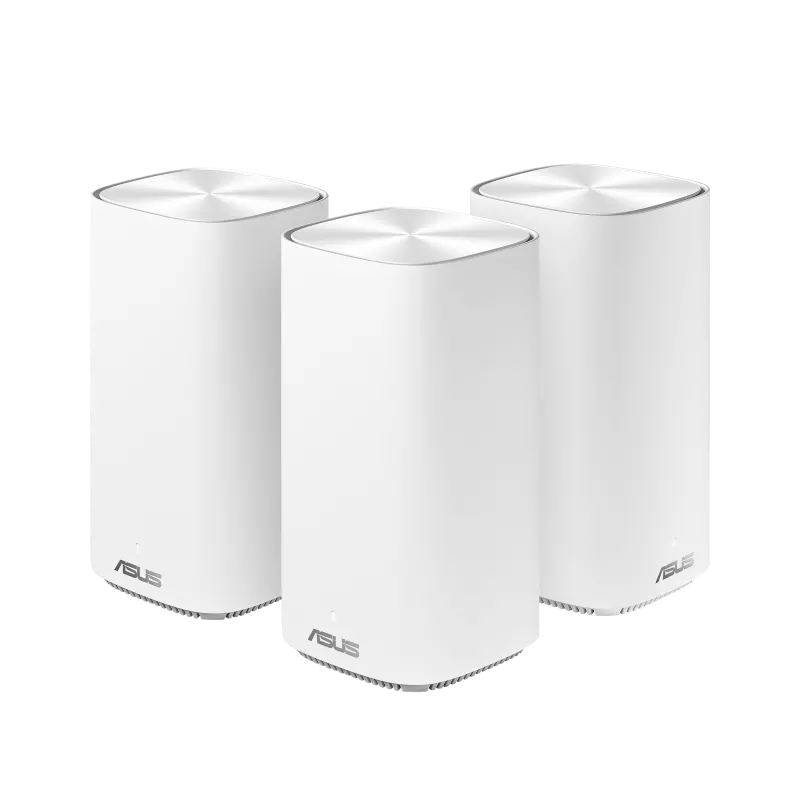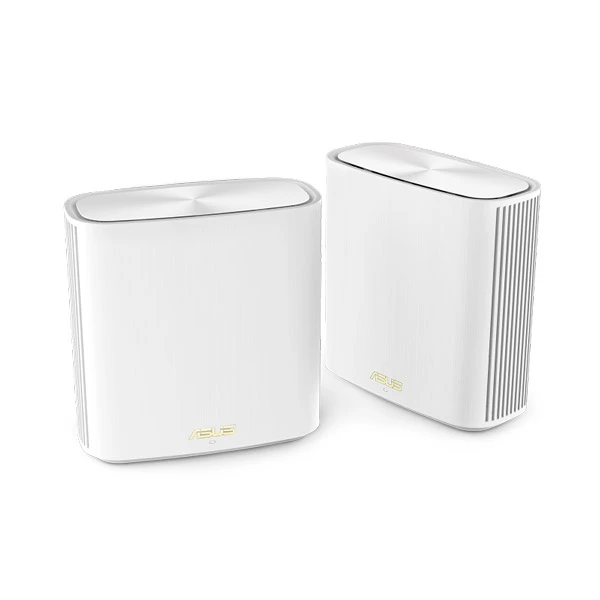
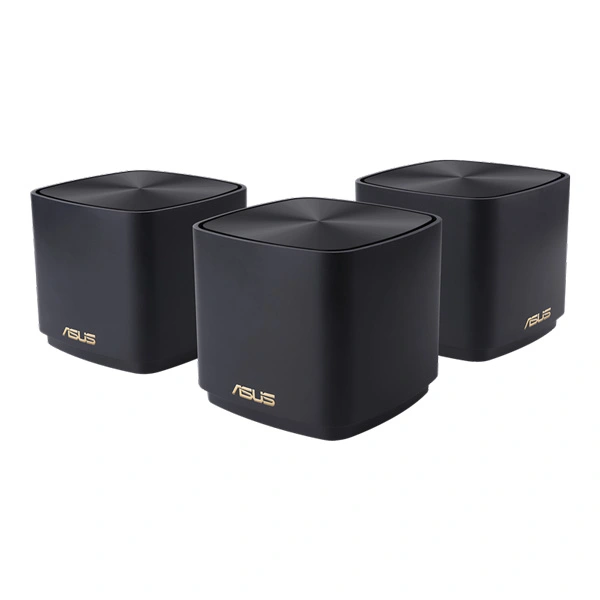
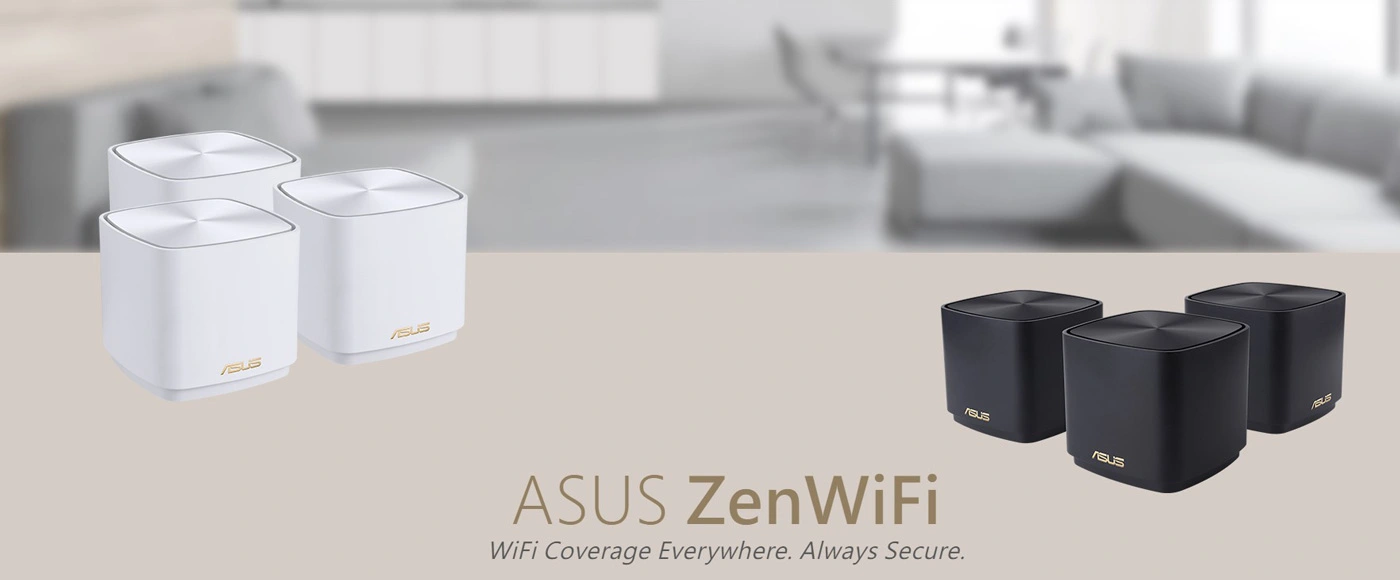
ASUS ZenWiFi AX Mini (XD4) AX1800 WiFi 6 Mesh System
With various devices relaying a stronger, more reliable signal from room to room, mesh routers promise a better Wi-Fi experience at home, and you’ve got a lot of new options available that support 802.11 ax, or Wi-Fi 6, the most current and fastest generation of Wi-Fi. One of those the Asus ZenWiFi AX Mini, an attractive, compact system that sells in a three-pack for $280.
ASUS ZenWiFi AX Mini Feature:
There are lots of routers that take a minimalist approach to design, but that approach often leaves you with a bland, cheap-looking gadget. The ASUS ZenWiFi AX Mini steers clear of this trap with a quality build that looks great without commanding much attention. It’s not the router for you if you want a full array of LED indicator lights or a lot of spare ports to play with, but if you just want something elegant and simple that doesn’t take up much space, then you’ll probably be happy with what you get here.
Roughly the size of a Rubik’s Cube, each ASUS ZenWiFi AX Mini node is a dual-band AX1800 device, which means that it supports 802.11 ax, or W-Fi 6, and that the top wireless speeds of the 2.4 GHz and 5GHz bands add up to approximately 1,800 megabits per second (1.8 gigabits per second). You can only connect to one of those bands at a time, so the true top speed is 1,200 Mbps, which is the top speed on the faster 5GHz band.
Packed inside each pint-size device is a pair of internal antennas, as well as 256MB of Flash memory and 256MB of RAM. That’s pretty much on par with other entry-level mesh routers, and less horsepower than you’ll find in fancier gaming routers or tri-band systems.
ASUS ZenWiFi AX Mini Specs:
| Model Name | ASUS ZenWiFi AX Mini XD4 (B-1-PK) XD4 (W-1-PK) XD4 (W-3-PK) XD4 (B-2-PK) XD4 (W-2-PK) XD4 (B-3-PK) |
| Network Standard | IEEE 802.11a IEEE 802.11b IEEE 802.11g WiFi 4 (802.11n) WiFi 5 (802.11ac) WiFi 6 (802.11ax) IPv4 IPv6 |
| Product Segment | AX1800 ultimate AX performance : 1201 Mbps+ 574 Mbps |
| Data Rate | 802.11a : up to 54 Mbps 802.11b : up to 11 Mbps 802.11g : up to 54 Mbps WiFi 4 (802.11n) : up to 300 Mbps WiFi 5 (802.11ac) : up to 867 Mbps WiFi 6 (802.11ax) (2.4GHz) : up to 574 Mbps WiFi 6 (802.11ax) (5GHz) : up to 1201 Mbps |
| Antenna | Internal dual-band antenna x 2 |
| Transmit/Receive | MIMO technology 2.4GHz 2×2 5GHz 2×2 |
| Memory | 256 MB Flash, 256 MB RAM |
| Ports | RJ45 for Gigabits BaseT for WAN/LAN x 1, RJ45 for Gigabits BaseT for LAN x1 |
| Package content | ‧Router (XD4R) ‧RJ45 Ethernet cable ‧Power adapter ‧Quick start guide ‧Warranty Card ‧Router (XD4R) ‧Node (XD4N) ‧RJ45 Ethernet cable ‧Power adapter ‧Quick start guide ‧Warranty Card |
ASUS ZenWiFi AX Mini performance
I spent a few days taking the ASUS ZenWiFi AX Mini for a test drive at my home in Louisville, Kentucky, a 1,300-square-foot shotgun-style house with a 300Mbps fiber connection where I’ve been testing home networking gear for the last few years (you can read all about how we test Wi-Fi routers here). The system held up fine for regular usage, but a close look at the speed test results reveals that the router was selling my connection short.
For starters, the system struggled with the same “sticky client” issues that I’ve seen plague a number of mesh routers, including other, similar dual-band Wi-Fi 6 models like the Eero 6 and the Netgear Nighthawk AX1800. In simpler terms, the mesh didn’t do a great job of routing my signal. If I moved from the front of my house where the router sits to the back of my house, it would recognize the change and begin routing my connection through the extender, which is fine. If I connected to the network in the back of the house and then moved to the front, the system would often fail to stop routing my connection through the extender even though it wasn’t necessary anymore. My laptop was “stuck” to the extender, or at least, its connection was.
Connecting via the extender means that your Wi-Fi signal is making an additional jump on its way to the cloud, which slows things down. In my case, speeds up next to the router in the living room fell from a near-perfect average of 297Mbps when I connected in the living room to an average of 252Mbps when I connected in the back of the house and then moved to the living room.
The ASUS ZenWiFi AX Mini’s average speeds also suffered from strange slowdowns that affected numerous devices at multiple points during my tests. For every router I test, I run full sets of speed tests throughout my home in the afternoon, morning and evening hours. The morning tests were normal, but by afternoon, something had changed, and I was seeing speeds no higher than 180Mbps or so in my living room, where I can usually connect at speeds slightly above my ISP limit of 300Mbps.
The slowdown persisted through all of the home, and on numerous devices, and didn’t seem to be a larger issue with the network, so I rebooted the router. That fixed things– but when the time came for my evening tests, the slowdown was back and I needed to reboot the router again. I ran some additional speed tests during subsequent days of tests and noticed additional slowdowns, as well.
None of those slowdowns cut my connection outright– I was always able to browse, stream and surf on the network without interruption. I can’t be entirely sure at this point, it seems like the sort of slowdown that you ‘d see with a sticky client issue, albeit a more annoying and dramatic one than I’ve seen with other mesh routers.
The verdict
At $280, the Asus ZenWiFi AX Mini did an acceptable job of spreading a usable signal throughout my home, but issues with the mesh compromised my speeds, and that makes it tough to recommend. Even though it only comes along with two devices rather than three, I ‘d still much rather have the TP-Link Deco W7200 running my network. That one adds in a tri-band design, which is key for optimizing mesh router performance, it boasts faster top speeds than the Asus and it essentially aced my performance tests, all while costing $50 less than the ASUS ZenWiFi AX Mini.
If you’re fixated on going with a ZenWiFi router, Asus has a tri-band version of its own called the ZenWiFi XT8 that also performed significantly better in our tests, as well as a more powerful dual-band model called the ZenWiFi XD6. Both of those would be a worthy step up from the mini-size XD4 system reviewed here.